






2026/10/24 Microsoft Cloud Solutions 5 visit(s) 2 min to read
ctelecoms
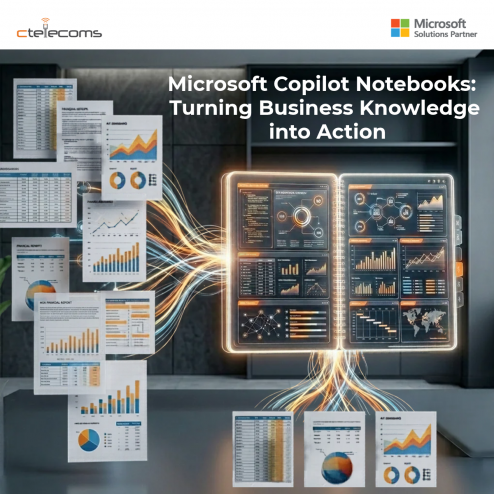
Business teams work with information every day. Project documents, meeting notes, emails, reports, and spreadsheets often contain the details employees need to complete their work. However, finding the right information and bringing it together can take time.
Microsoft Copilot Notebooks offers a way to organize this information in one AI-powered workspace, helping employees understand their content and turn it into useful business output.
Microsoft Copilot Notebooks allows users to bring together relevant files, meeting notes, links, pages, and Copilot conversations in one place.
Instead of working with each document separately, users can ask Copilot questions about the content collected in their notebook. Copilot can help identify key points, summarize information, and draft new content based on the available references.
For example, a project manager can collect project documents, meeting notes, and relevant updates in one notebook. They can then ask Copilot to summarize progress, highlight important issues, or prepare a project update.
In its October 2026 update, Microsoft announced additional capabilities for Copilot Notebooks, including:
These capabilities can help teams move from collecting information to using it more effectively. Feature availability may vary by license and rollout status.
Bring project plans, meeting notes, and status reports together to prepare updates and identify important issues.
Organize customer information and product documents to help teams prepare for meetings and respond to common questions.
Use approved company information to help draft campaign briefs, summarize research, and prepare content.
Bring relevant business documents together to help prepare summaries and identify information that needs further review.
For companies managing multiple projects, departments, and customer relationships, business knowledge is often spread across many documents and applications.
AI productivity tools such as Microsoft Copilot Notebooks can help employees spend less time organizing information and more time using it.
However, businesses should choose relevant and up-to-date references, maintain appropriate access permissions, and review AI-generated content before using it in important business decisions.
Organizations should also confirm which Copilot Notebooks features are included in their licenses and available in their environment.
As a Microsoft Gold Partner in Saudi Arabia, Ctelecoms can help organizations review their Microsoft 365 environment and identify practical opportunities to improve productivity with Microsoft Copilot.
We can help your team assess readiness, understand licensing requirements, and plan AI adoption around your business needs and security requirements.
Want to explore Microsoft Copilot for your organization? Contact Ctelecoms to discuss your next steps.
Upgrade your IT to be as agile and efficient ...