





2026/07/12 Microsoft Cloud Solutions 476 visit(s) 2 min to read
ctelecoms
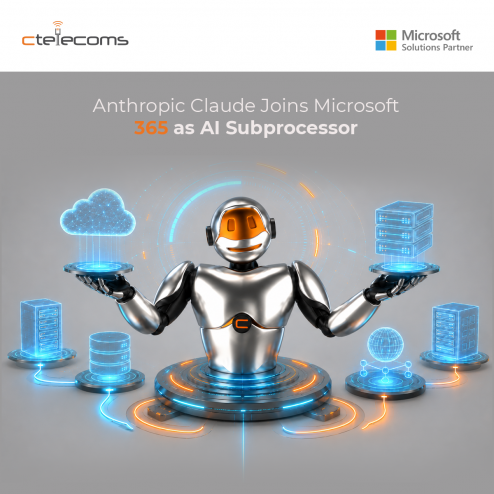
Microsoft has officially onboarded Anthropic as a subprocessor within its enterprise Online Services framework, bringing Claude AI models into products like Microsoft 365 Copilot, Copilot Studio, Researcher, and Power Platform. This is a significant shift in how third-party AI is governed within Microsoft's ecosystem—here's what IT and compliance teams need to understand.
When Anthropic operates as a Microsoft subprocessor, it functions under Microsoft's contractual oversight and technical safeguards. For standard Anthropic models, your existing Microsoft Product Terms and Data Protection Addendum (DPA) still apply. The Microsoft Customer Copyright Commitment (CCC) also covers these models.
This is materially different from Anthropic operating as an independent processor—which is exactly what happens with certain "Preview models with Data Retention."
|
Region |
Default Status |
Notes |
|
Most Commercial Cloud |
On by default |
Users can access Claude models immediately |
|
EU / EFTA / UK |
Off by default |
Excluded from EU Data Boundary; requires explicit opt-in |
|
Government Clouds (GCC, GCC High, DoD) |
Not available |
No FedRAMP certification yet |
|
Sovereign Clouds |
Not available |
No toggle present |
Full availability across eligible tenants is expected by the end of March 2026 as the rollout continues.
Global administrators can configure Anthropic access through the Microsoft 365 admin center:
Admin Controls: Managing Access
Global administrators can configure Anthropic access through the Microsoft 365 admin center:
Key point: If you previously opted in under Anthropic's legacy commercial terms (before January 7, 2026), you may need to re-opt in under the new subprocessor framework—especially if you're in the EU/EFTA or UK.
Not all Anthropic models are treated equally. Advanced models like Claude Fable 5 and Claude Mythos 5 fall under "Preview models with Data Retention" and operate under a completely different legal framework:
These models are optional and should be evaluated carefully against your organization's data governance policies.
If you're in a commercial region, Anthropic models are likely already accessible in your tenant. Compliance and legal teams should review the subprocessor status, verify regional defaults, and decide whether to enable or restrict access. For organizations with strict data residency requirements, the distinction between standard subprocessor models and Preview models with Data Retention is non-negotiable.

Upgrade your IT to be as agile and efficient ...