






2026/07/13 Microsoft Cloud Solutions 398 visit(s) 3 min to read
ctelecoms
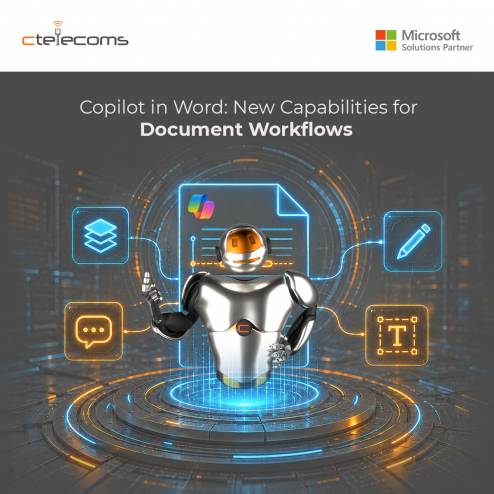
Microsoft has rolled out powerful new Copilot in Word features tailored for legal, finance, and compliance professionals — the kind of high-stakes, detail-intensive work where one missed edit can cost more than just time.
Whether you're reviewing contracts or finalizing policy documents, Copilot can now track changes when an audit trail is needed. This release finally supports the way professionals actually work, where document integrity is non-negotiable.
These features are grounded in Work IQ — the intelligence layer that personalizes Microsoft 365 Copilot to you and your organization. Responses reflect your content, context, and priorities. Built on your data, Copilot in Word delivers fast, reliable answers you can trust. It operates within the Microsoft 365 trust boundary, preserving sensitivity labels, enforcing data loss prevention policies, and keeping your data secure.
Copilot works directly on the document — right where you and your team already collaborate. Every feature below is native to Word, respects your formatting, and preserves your collaboration history.
|
Feature |
What It Does |
|
Track Changes |
Word-level precision with changes visible by default. Easy to turn on from Copilot, so edits are always transparent, auditable, and granular. |
|
Contextual Comments |
Add, read, reply to, and manage comment threads anchored to the correct text — keeping collaboration context intact. |
|
Table of Contents |
Insert and update tables of contents using Word's built-in heading types. Structure stays accurate as the document evolves. |
|
Dynamic Page Features |
Insert and manage headers, footers, columns, margins, and dynamic fields like page numbers and dates that automatically refresh with edits. |
|
Progress Messages |
For multi-step edits, Copilot shows what it's working on in real time, building trust and transparency. |
Here are example prompts to experience Copilot in Word's new capabilities:
Turn on Track Changes and tighten the Executive Summary. Clarify any vague words and spell out acronyms — but don't rewrite whole sentences unless necessary.
In the Risk Factors section, flag anything that's unclear and add comments where we need Finance validation or legal signoff based on what came up in last week's review meeting.
Create a table of contents, then add a header with the document title and today's date, and add page numbers to the footer.
Go through all unresolved tracked changes and comments and create a short 'Review Summary' section at the top that captures proposed changes in the document and (2) open questions from comments.
These new capabilities are available today on Copilot in Word for Windows desktop through the Frontier program on the Office Insiders Beta Channel. Support for Word for the web and Mac is coming soon.
For organizations in Saudi Arabia looking to accelerate their Microsoft 365 Copilot adoption, Ctelecoms — a Gold Microsoft Partner and leading IT services provider in KSA — helps Saudi businesses deploy, customize, and maximize Microsoft solutions. From licensing and implementation to ongoing support and change management, Ctelecoms ensures your teams get the most out of Copilot while maintaining compliance with local regulations and your organization's security standards.

Upgrade your IT to be as agile and efficient ...